The shop floor knows first. The system finds out last.
A production line I visited had a clipboard hanging at the end of it. Quantities were written down by hand, carried to an office and typed into the ERP in the evening.
Nobody thought of it as a problem. That was simply how the day ended. The numbers in the system were always a shift behind reality, and every planning decision was made on yesterday's truth.
That clipboard outlived three ERP versions. That is the actual finding — not that it exists, but why it survives.

The clipboard is not an oversight
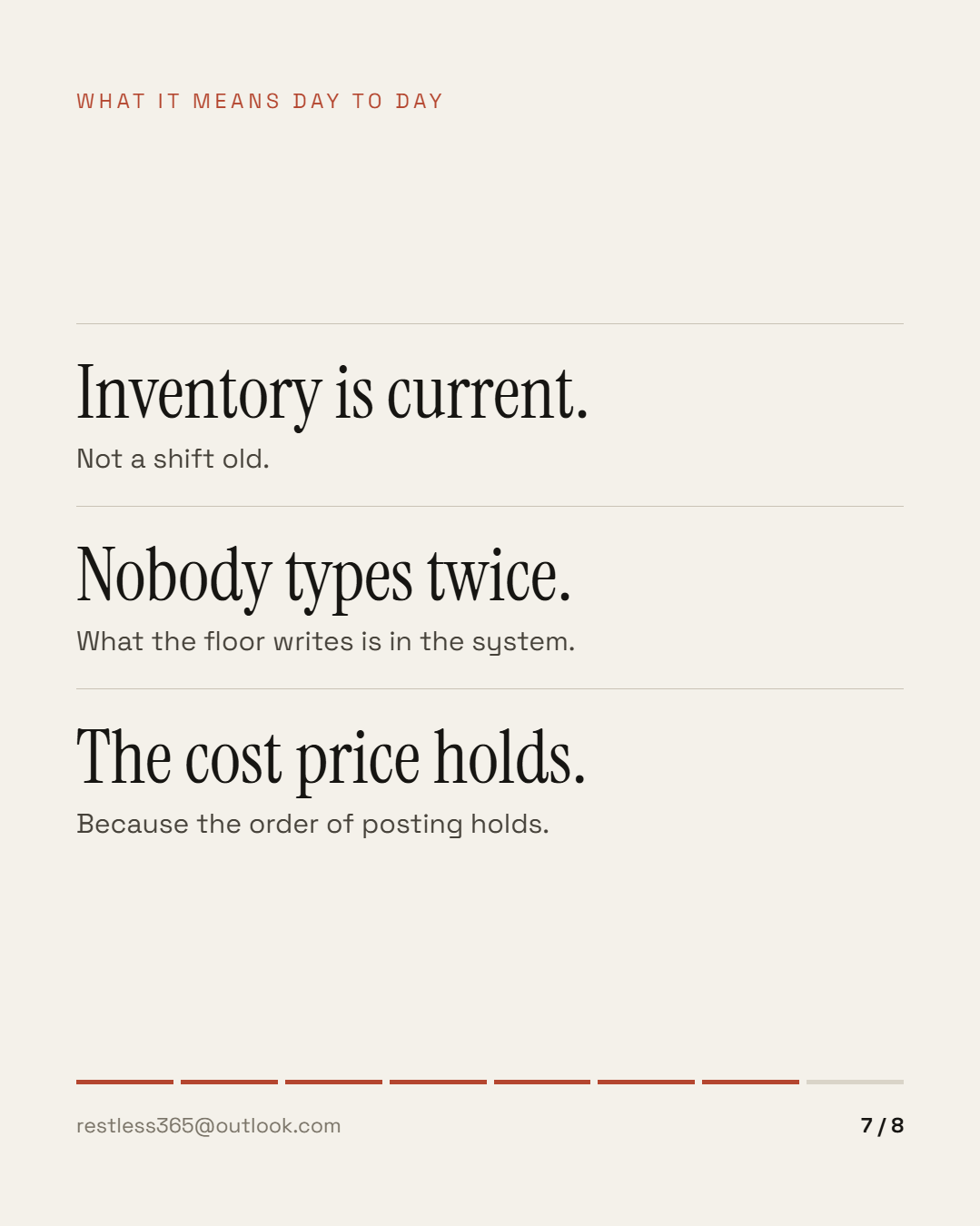
It is a reasonable response to a system that was not built for the shop floor. Standing at a machine, you have no hand free for a form with forty fields and no patience for a message demanding a document number. Paper is instantly there and never loses its connection.
The price shows up later: feedback arrives bundled, late and already interpreted. Twelve hours of production become one line. What actually happened during the shift — scrap, a changeover, a stoppage — is then not in the system but in the memory of somebody who has gone home.
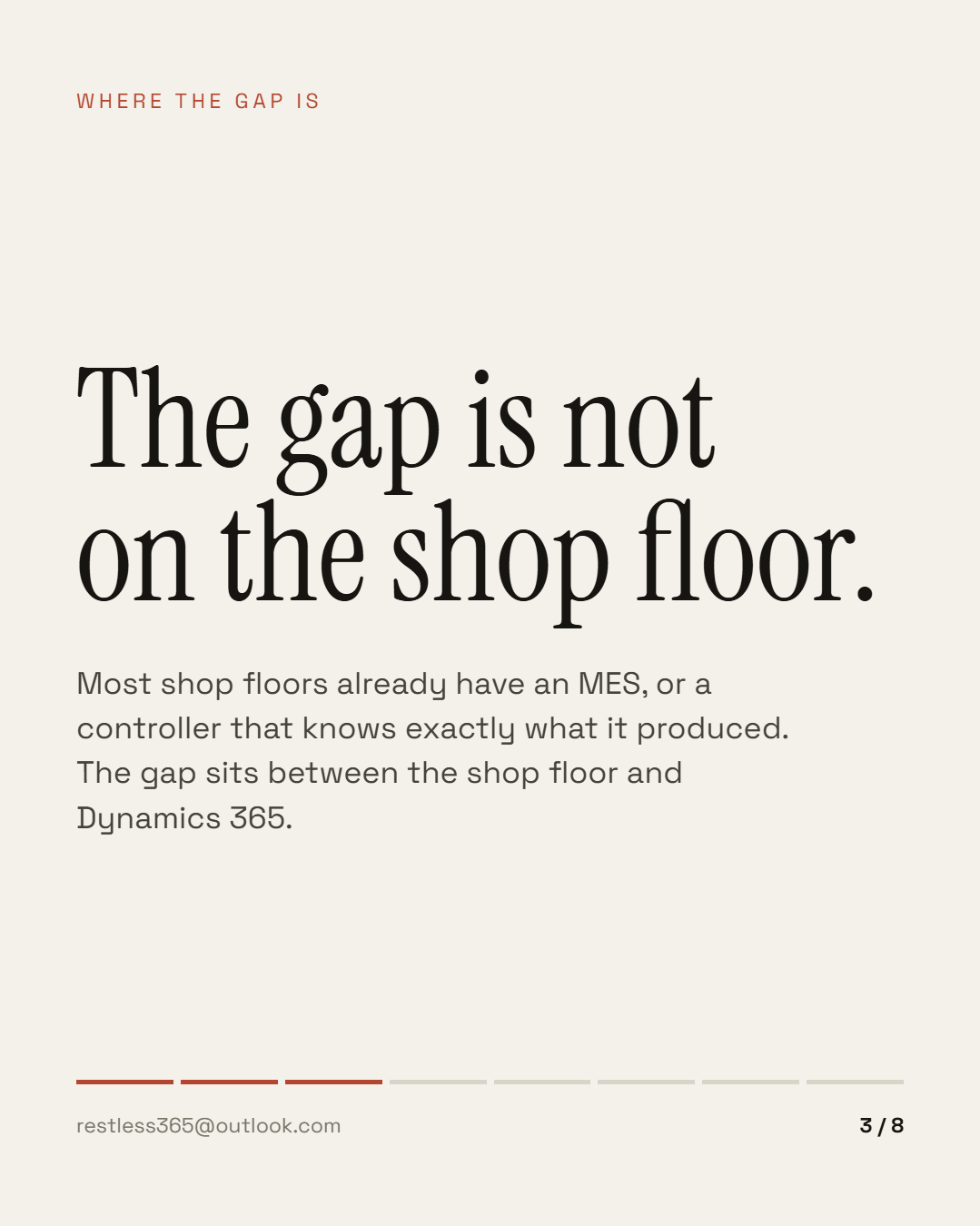
The obvious answer is an MES. Most of the shop floors I have been in had one already — or a machine controller that knows exactly what it produced. The gap is not on the shop floor. It is between the shop floor and Dynamics 365.
What actually runs between MES and D365
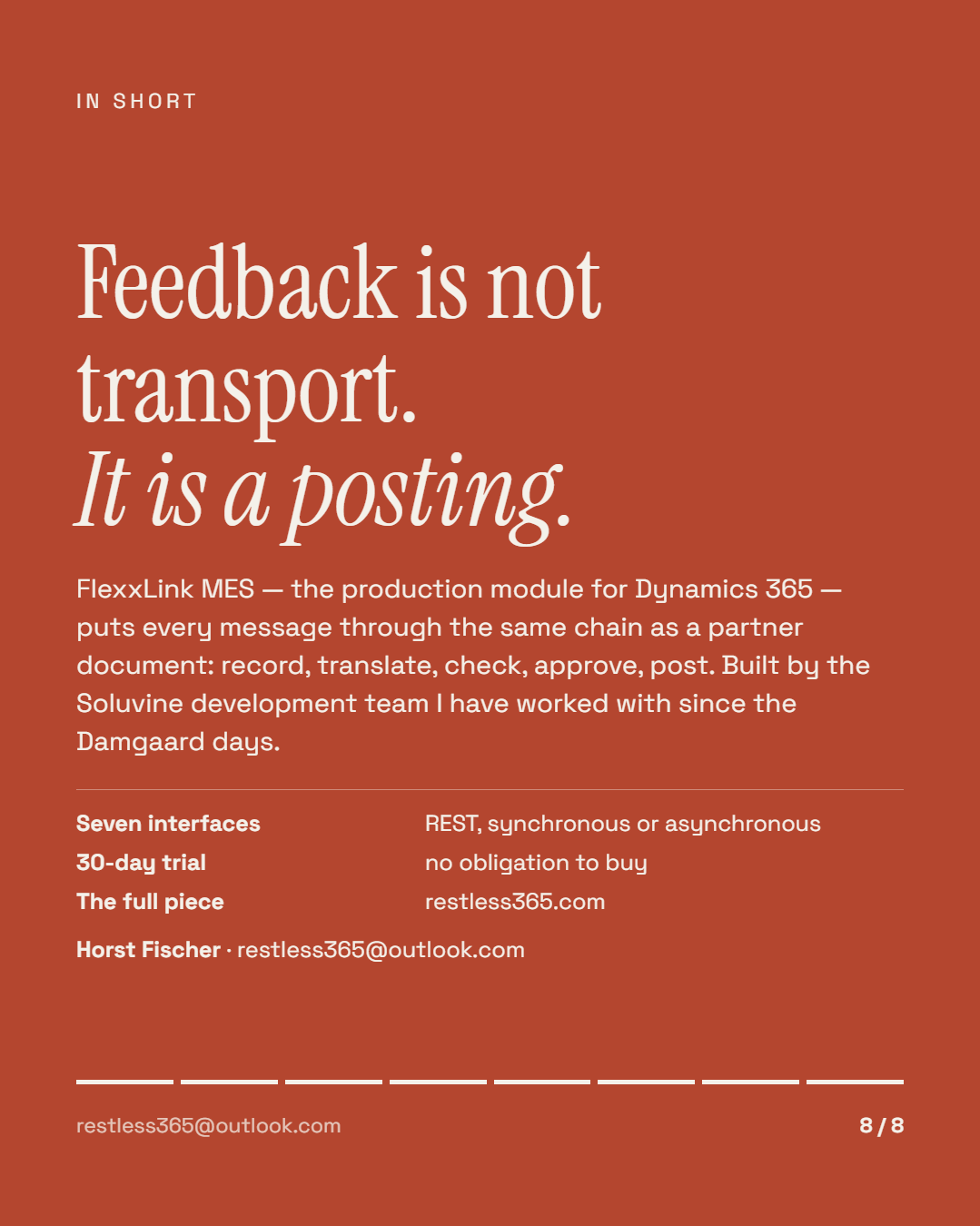
That is what the MES module of FlexxLink is built for — our integration platform for Dynamics 365 Finance & Supply Chain Management. It is not a universal interface but a fixed set of messages, and that is exactly where projects are won or lost.
Two go outbound: a released production order is sent to the MES, and a released order can be withdrawn again.
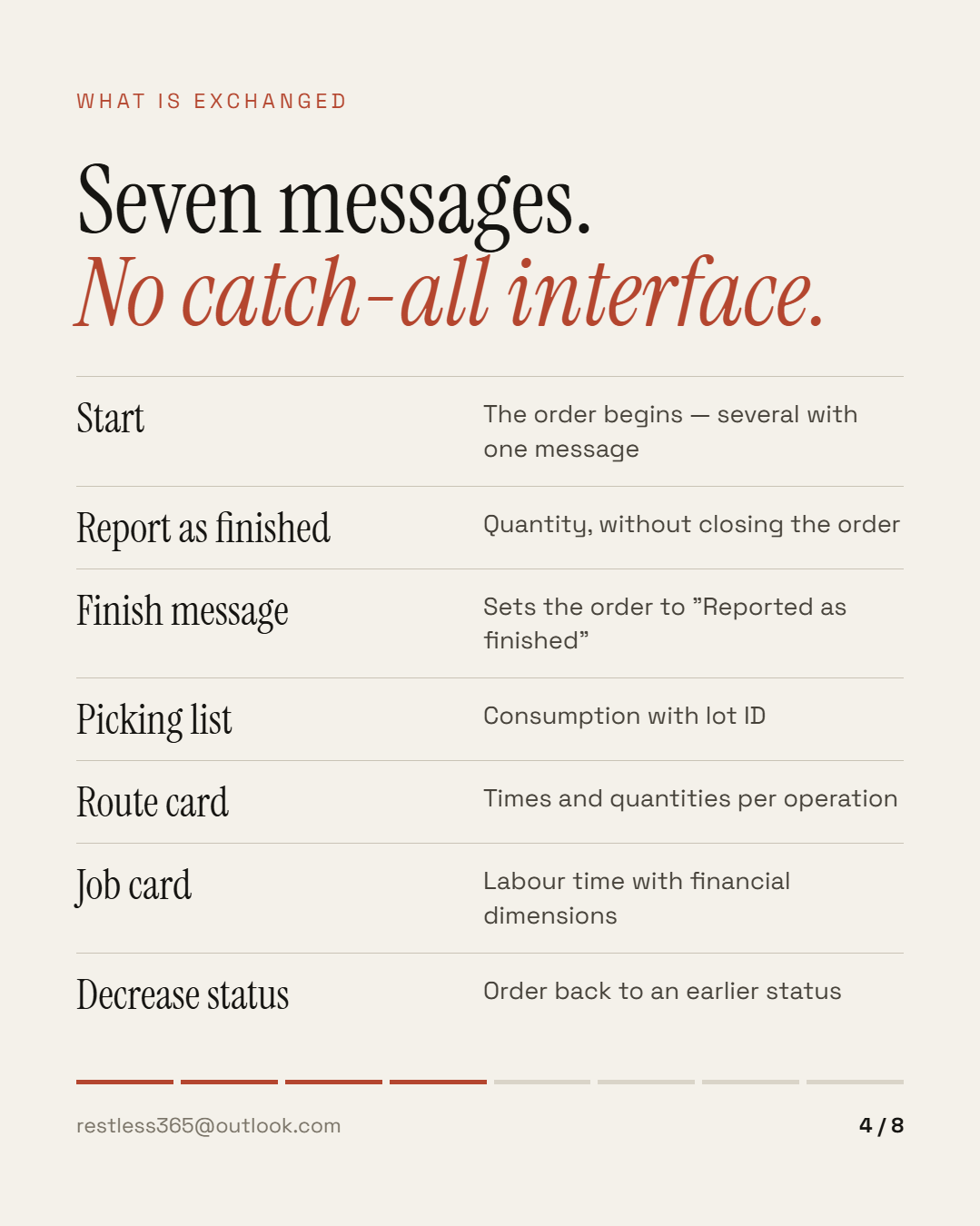
The feedback comes inbound — each message separate, each with its own effect on the order:
Seven messages instead of one catch-all interface. The difference does not show on the day you connect it. It shows at the first error.
The order of posting decides the cost price
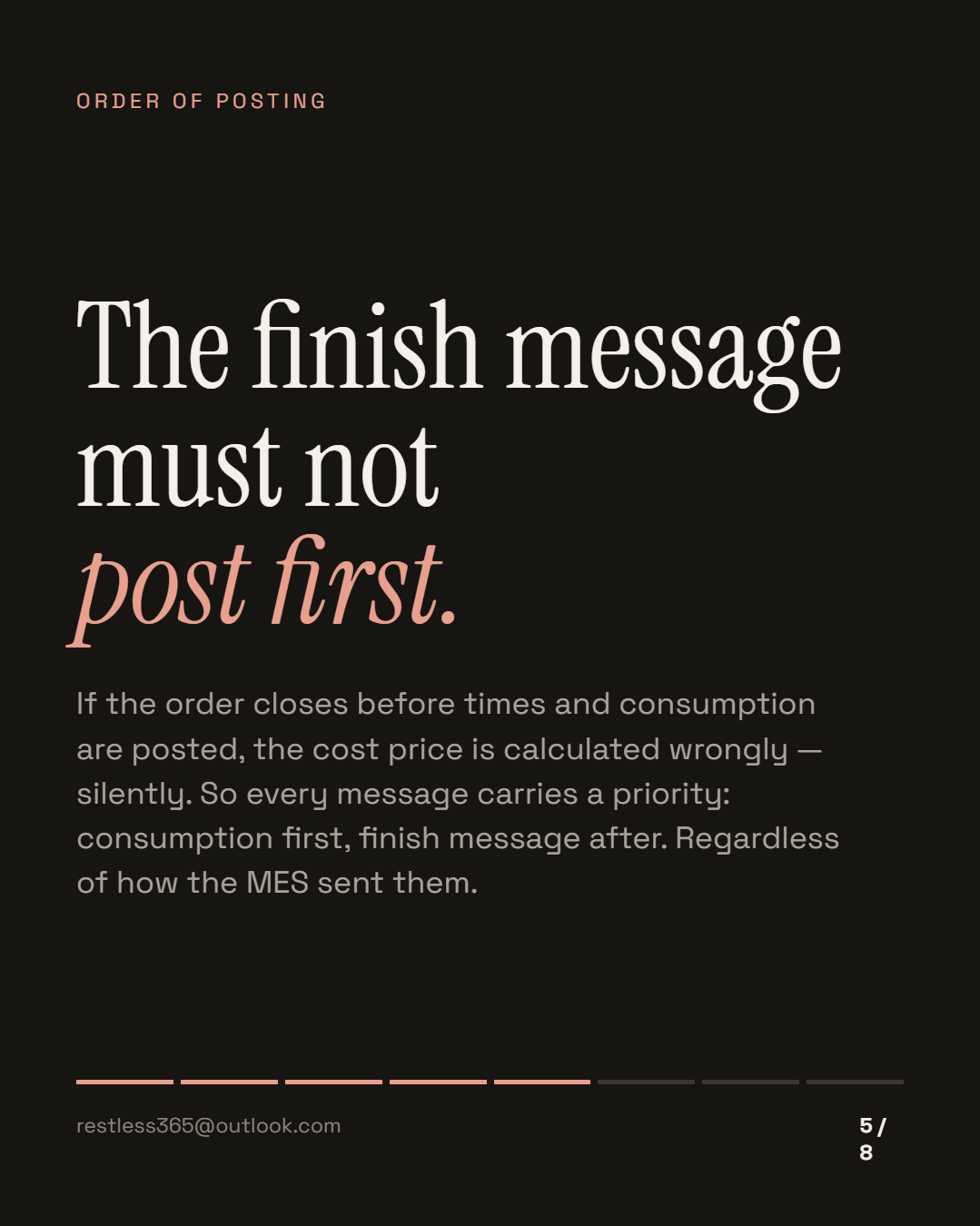
One thing about this matters more than it sounds. Messages from the shop floor arrive as they arrive — an MES sends when something is done, not in the order cost accounting needs. If the finish message arrives before the job card, the route card and the picking list, and is posted in that order, the production order closes before the consumption is in it. The cost price is then calculated wrongly, and silently.
That is why every message carries a priority. Consumption and times are posted before the finish message — regardless of the order in which the MES sent them. So the shop floor does not have to care about cost accounting logic, and cost accounting does not have to rely on the shop floor's send order.
Post feedback in arrival order and you get no error. You get a cost price that looks plausible and is wrong.
Check, approve, post — not post straight away
Every inbound message runs through the same chain as a partner message in the EDI module, because both sit on the same base module: record what arrived — translate it — check and approve — only then post.
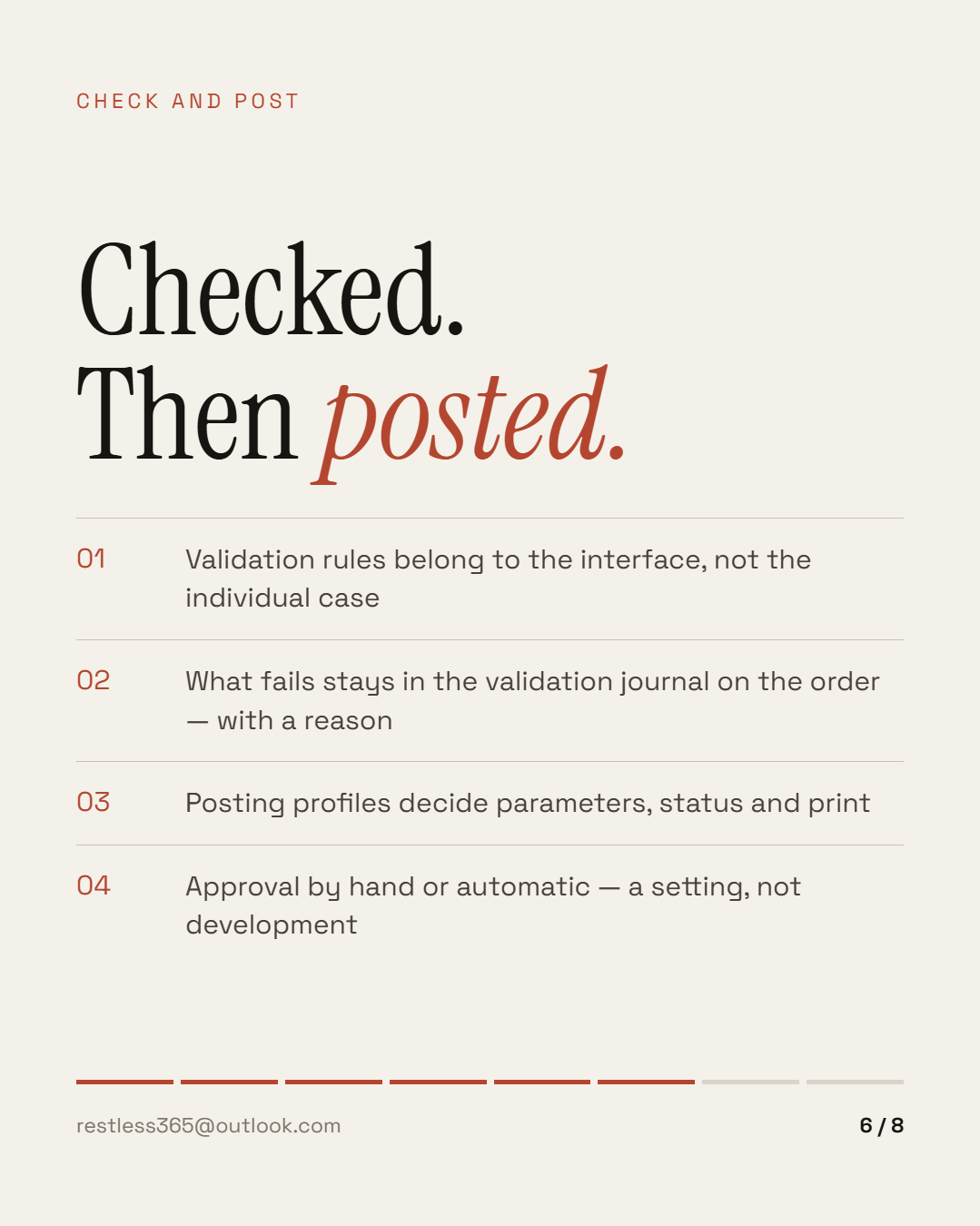
In practice that is two things. First, every interface carries validation rules, grouped into profiles: does the quantity belong to this order? Is the order in a status that allows this message? Does the unit match? Whatever fails stays in the production order's validation journal — with a reason, not as an error message in a log.
Second, posting profiles decide what happens on posting: which parameters the journal gets, which status is set, what is printed. Approval is manual or automatic — a setting, not development. Starting with a new MES, you approve by hand for the first weeks and switch afterwards.
One place where the shop floor is visible
All inbound production messages come together in one workspace — not in a log only IT reads. Alongside it sits the integration monitor for the jobs and, right on the production order, the linked communication in the sidebar and in FactBoxes.
That sounds like convenience and is the actual lever: a supervisor sees on the order which message arrived and what became of it. A query then ends where it started, instead of three desks away.
Connections run over REST endpoints, synchronous or asynchronous. The current API definitions are open at apidocs.soluvine.com — anyone connecting an MES can read up front what to expect.
How to tell the shop floor is cut off
You do not need to look at the technology for this. Four questions are enough, and the answers come from production rather than IT:
The first question is usually followed by some mental arithmetic: half a day, a shift, sometimes more. That number is what everything else hinges on.
What a connection does not solve
It does not make bad bills of material good or routings current. If an operation actually runs differently from the way the system describes it, that now surfaces earlier — it is not fixed. Nor does it replace an agreement about who judges scrap.
And it costs attention in the first weeks: validation rules set too strictly hold the shop floor up. So when approval happens — by hand, automatically, on arrival or in a batch — is an operating decision, not a technical one.
The shop floor always knows first what happened. The only question is how many hours and how many hands sit in between before the system knows it too.
This is the overview. The individual pieces — validation rules, posting profiles, batches in picking, times and costing — follow as their own posts. If there is still a clipboard at the end of one of your lines, tell me about your shift. The module itself, with trial access, is at soluvine.com — built by the development team I have worked with since the Damgaard days.
This post is also available in German. Auf Deutsch lesen
All posts