Four stations before anything is posted
A customer called on a Friday afternoon. A supplier invoice had never arrived, he said, and the payment reminder was already on his desk.
We searched for two days. The message was there — sitting in a directory nobody had opened for months, because one field did not match the schema. No error, no alert, just silence.
That is one half of the problem. The other half I have seen more often, and it costs more: the message arrives, is processed straight away, and the mistake lands in the books as a posting. Nobody notices until finance finds it.

A posting cannot be taken back
It can be corrected, which is not the same thing. It takes a second posting, an explanation to finance, and a trail that stays visible at the close. A wrong quantity adds an inventory correction; a wrong price adds a difference somebody has to defend to the supplier.
So the damage is rarely the wrong figure. It is the work of putting it right — and the trust lost along the way. What matters is therefore not how fast data is taken in, but what was checked before it was. That is why FlexxLink, the integration platform for Dynamics 365, puts four stations between message and document.
Station 01The message exactly as it arrived
Every incoming message is first recorded unchanged. In FlexxLink that halt is the integration job: it holds the technical details and the raw message exactly as it arrived at the endpoint. No mapping, no interpretation, no posting.
That sounds like paperwork until the first time it matters. When a partner claims they sent a different quantity, this is the evidence that ends the discussion. And when nobody has looked for weeks, it is the only way back to what actually arrived. Store only the mapping result and what you hold in a dispute is your own interpretation of it.
Station 02Technical data becomes a business case
Only then is it translated. Out of the integration job comes the import journal: the extracted data in a form the business can read — lines, quantities, prices, partners. Its status reads "Imported", and the books have not been touched.
This station decides who has to work when something goes wrong. With nothing between message and document, every query lands in IT, because only IT can read the raw data. With a journal in business language, purchasing can see for itself that an item number is unknown. That is not a technical improvement, it is a different distribution of work — and it is why integration projects either go quiet after go-live or never do.
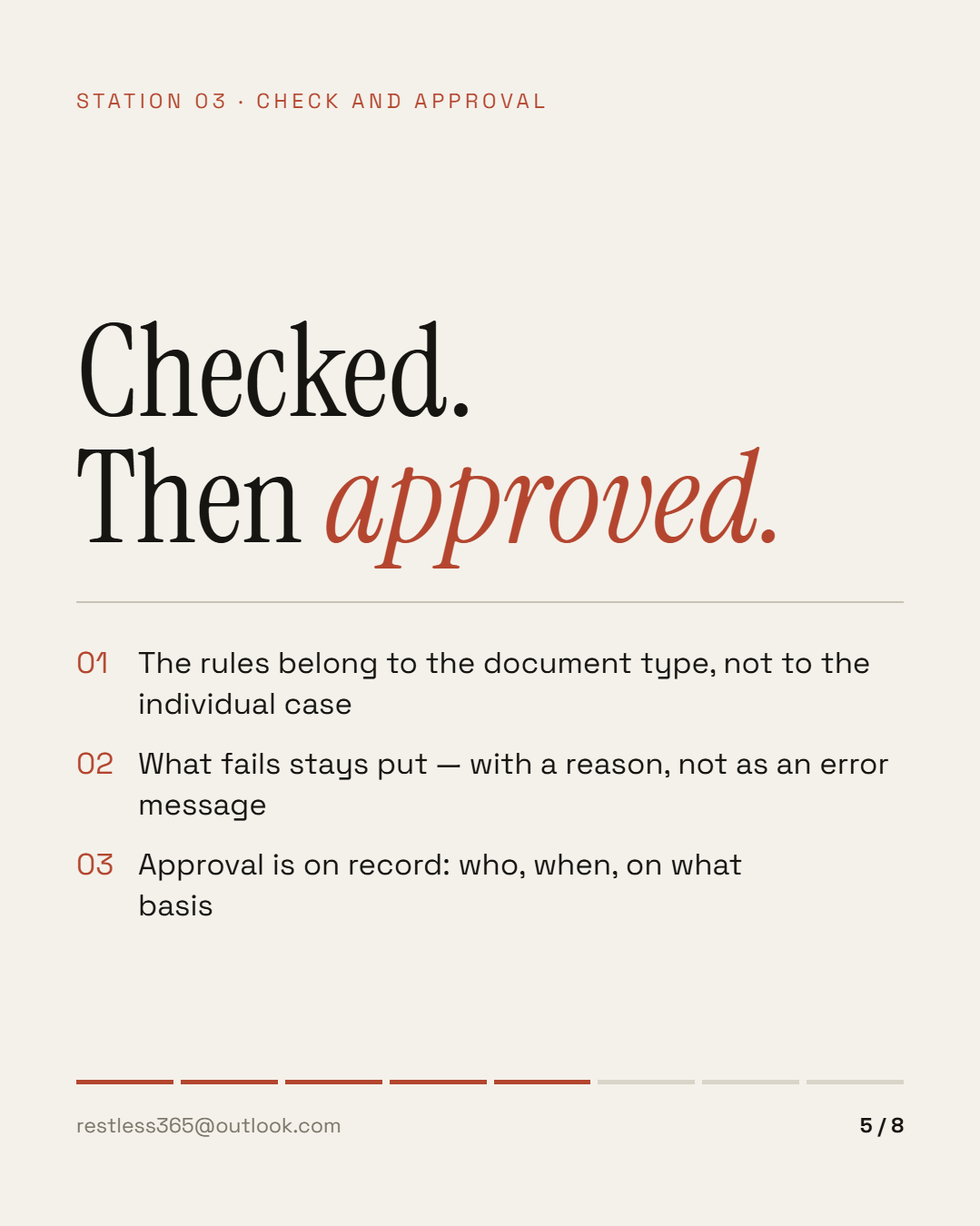
Station 03Checked, then approved
Checking follows rules that belong to the document type, not to the individual case. Technically those are validation rules, grouped into validation profiles — per interface, per integration application, per trading partner. A set of rules ships with the product; your own are added to it. Every order of the same type is then treated the same way, whoever handles it.
I have often seen the other version: the rule lives in the heads of two or three people. They know which partner sends the wrong units and which customer may leave out the order number. They do their job well. The problem is not their work, it is that nobody can look it up. Put one of them on holiday and chance decides.
Three things belong to this station:
That last point looks like bureaucracy until an auditor asks why a document was posted without an order reference. Then it is the difference between an answer and a guess. Declining picks a rejection code from a maintained list, so even a no carries a reason in the journal rather than just a tick.
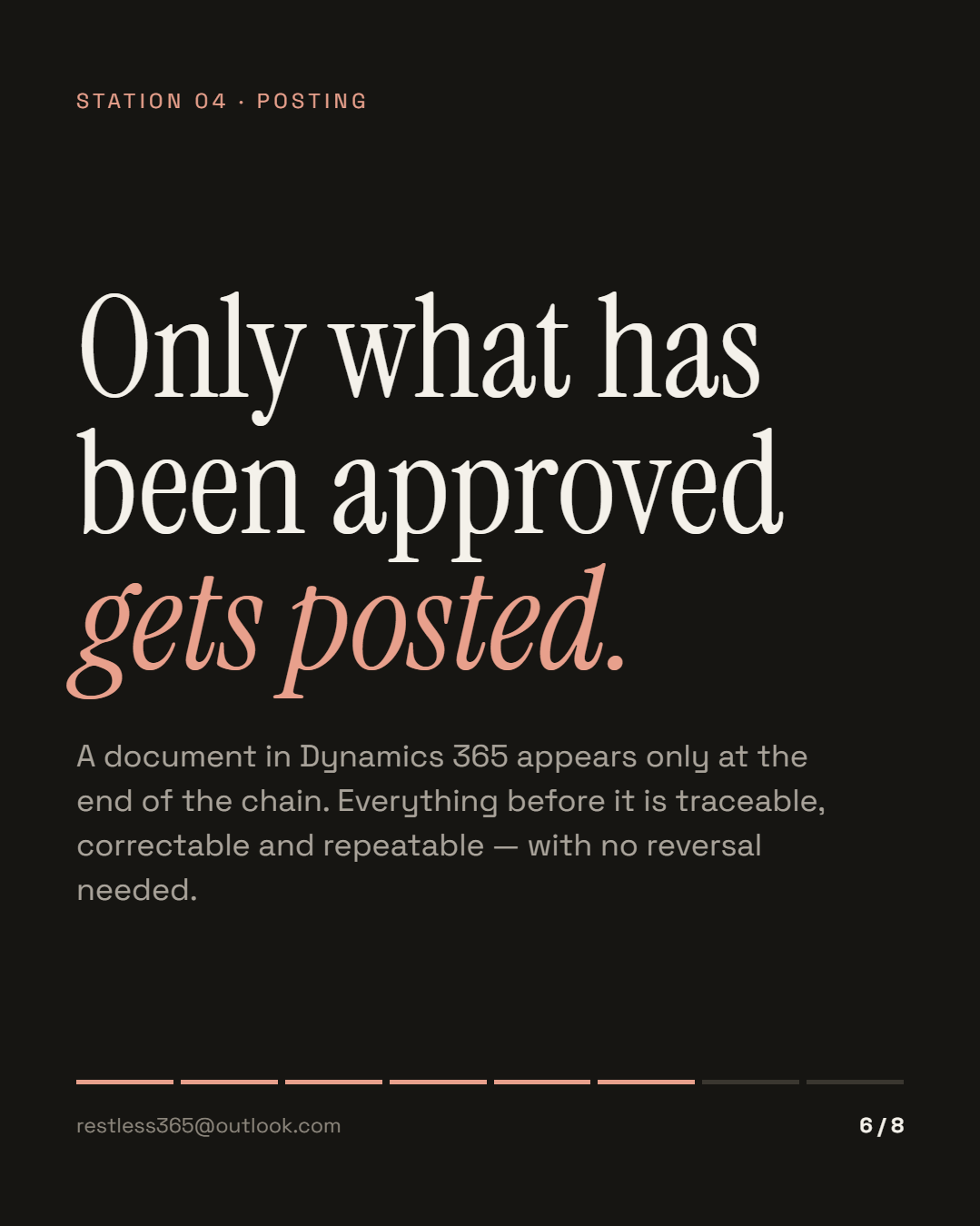
Station 04Only what has been approved gets posted
A document in Dynamics 365 appears only at the end of the chain. Everything before it is traceable, correctable and repeatable.
That is the practical consequence of the whole arrangement: an error becomes a queue instead of a dead end. In one project the error list had 140 entries, all with the same cause — an item that carried a different number in the system than at the supplier. Until then two people had re-keyed the failed orders by hand every morning. With the chain in place it turned into one master data correction and one overnight run.
Two provisions make that work, and you only appreciate them in operation. When two postings collide on the same record, the attempt is repeated at growing intervals; only after the configured number of retries does the journal go to "Error". And whatever sits in error is picked up again by a periodic run that puts it back through validation, approval and posting under the rules configured for that interface. So after a master data correction nobody touches 140 entries one by one.
The re-keyed document has nothing to do with the message the supplier sent. Two documents, two versions of the truth, no link between them.
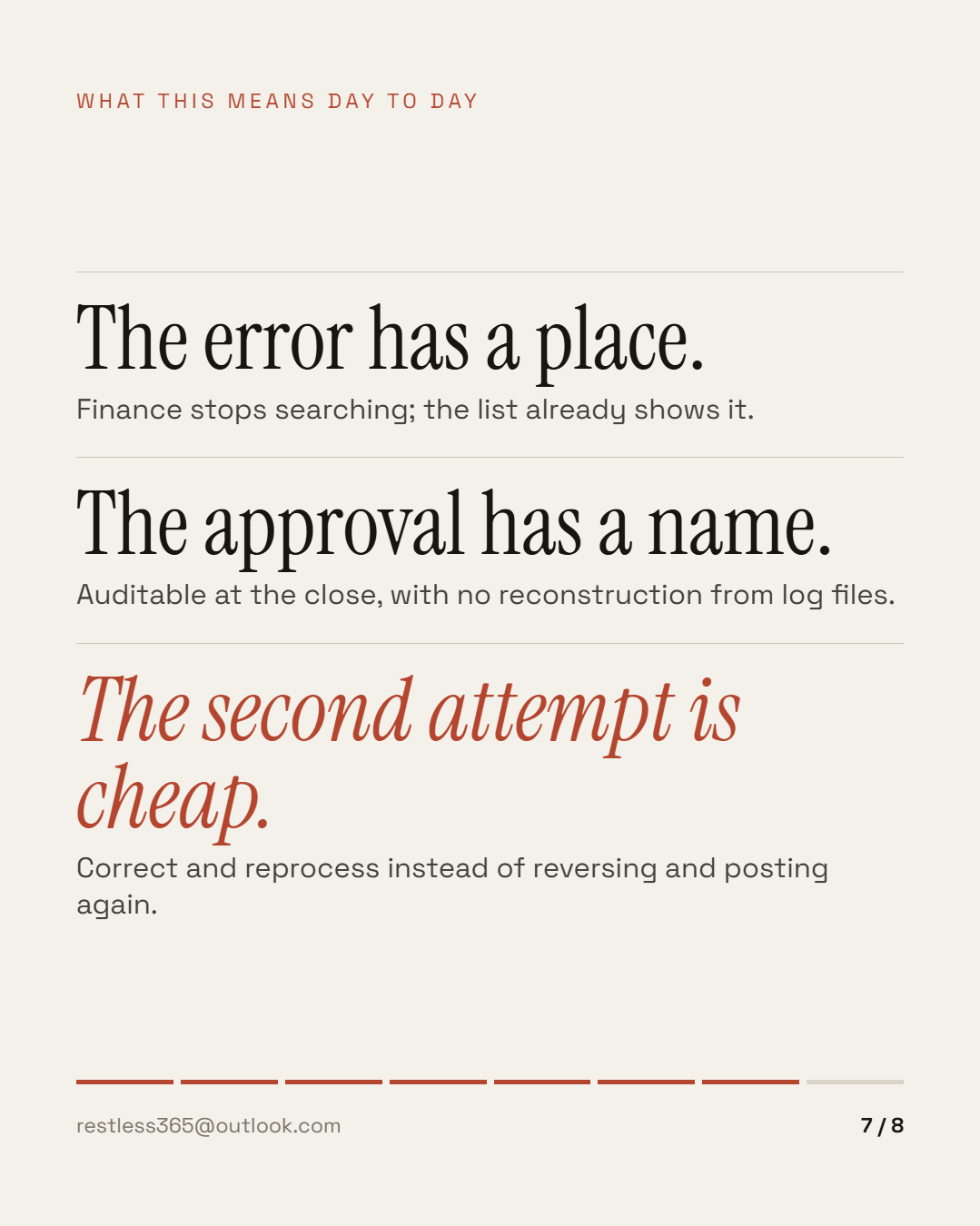
What this means day to day
Finance stops searching; a list already shows it. That cuts clarification from days to minutes — and moves it to where the knowledge sits.
Auditable at the close, with no reconstruction from log files. With four updates a year, it is also the difference between a test and a hope.
Correct and reprocess instead of reversing and posting again. That decides whether an error list gets shorter or grows.
How to tell the chain is missing
You do not need to look at the technology for this. Four questions are enough, and the answers usually come from the business rather than from IT:
In projects, the first question is almost always followed by a pause. That pause is the actual finding: classic connections report breakdowns reliably — they do not report silence. And the most common EDI failure is not the error, it is the message that never came.
Why the chain does not slow you down
The most common objection to four stations is that it takes longer. It is an understandable objection and usually a wrong one, because it confuses checking with manual work.
The rules run automatically. All the operating mode decides is timing — and it decides it separately for each of the three steps: validation, approval and posting can each be triggered by hand, done on arrival, or left to a periodic run, per interface. For the first weeks with a new partner you approve by hand; in normal operation all three run automatically; at peak the partner gets an answer in milliseconds and processing follows in a batch.
What matters is that switching is a setting rather than a rebuild. Start manual and move to batch next quarter and you change no interface and no process.
What it does not solve
A chain does not make bad master data good. When item numbers and units do not match between two companies, it now surfaces earlier — it is not fixed. Nor does it replace an agreement: no validation rule can know what was never agreed with a partner.
And it costs time. Approve every document by hand and the interface backs up at peak season. So when the check runs — manually, on arrival, or in a batch — is an operating decision, not a technical one.
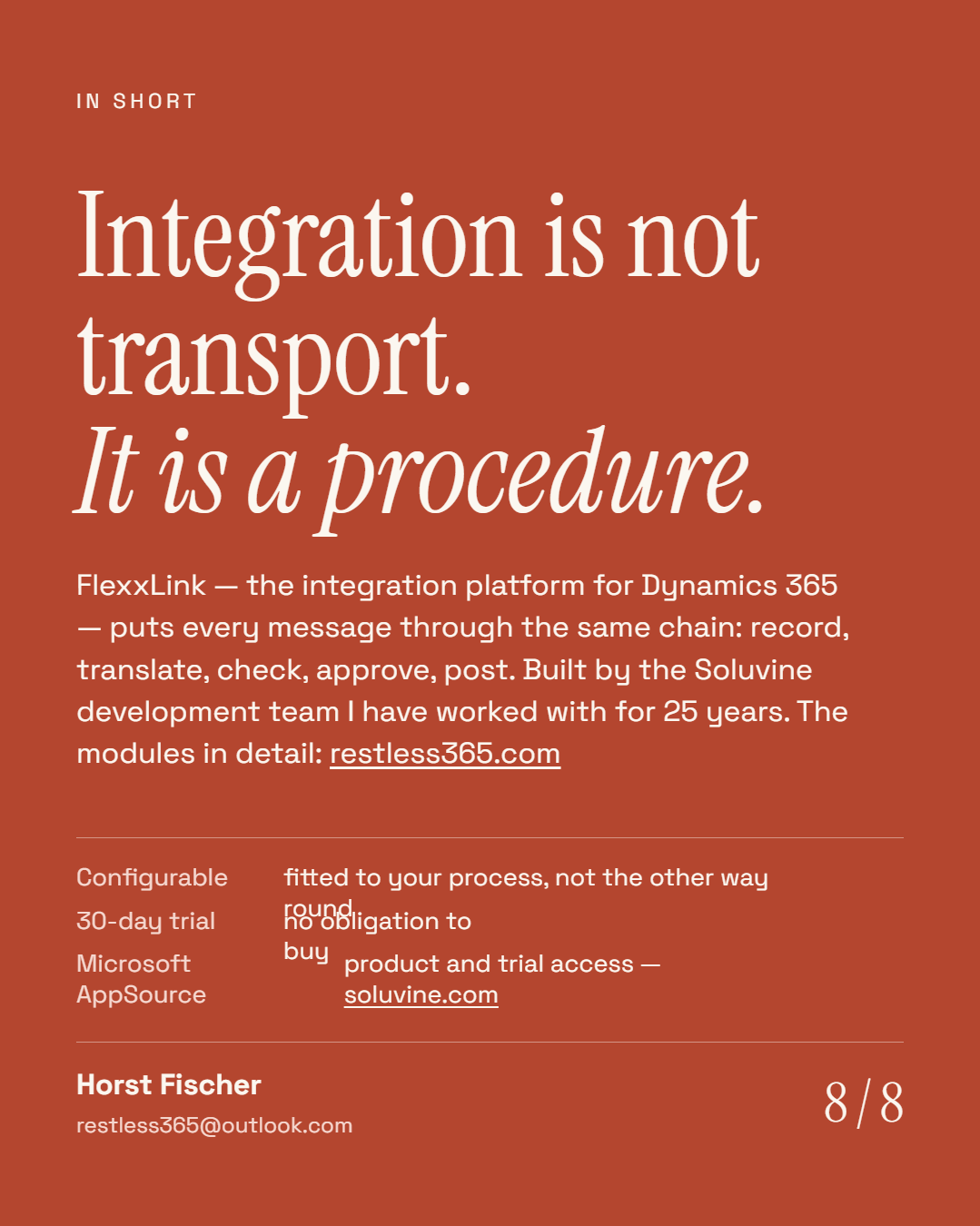
Integration is not transport. It is a procedure: record, translate, check, approve, post. Whatever you leave out comes back later as a correction.
If you want to know what this would look like in your company, tell me about your working day. The product itself, with trial access, is at soluvine.com — built by the development team I have worked with for 25 years.
This post is also available in German. Auf Deutsch lesen
All posts