Forty minutes for a document that existed all along.
An auditor asked to see a single document. It took forty minutes.
A network drive, two folder conventions, a colleague on holiday. The document existed — it simply was not findable from the place where people actually worked.
Compliance is rarely lost in a big failure. It is lost in forty-minute searches nobody reports, because in the end everything was found.
The forty minutes are the actual finding
You can read that story as a tidiness problem. I read it as a question of ownership: documents are created in the ERP but kept somewhere else — and nobody is responsible for keeping the two connected.
As long as the connection depends on folder names and memory, it works exactly as long as the people stay. What is missing is not more diligence. It is an index attached to the business record rather than to a file path.
That is what FlexxStore is for — our ECM solution for Dynamics 365 Finance & Supply Chain Management. It connects the ERP with the archive a company already runs, so every document is findable where the work happens.
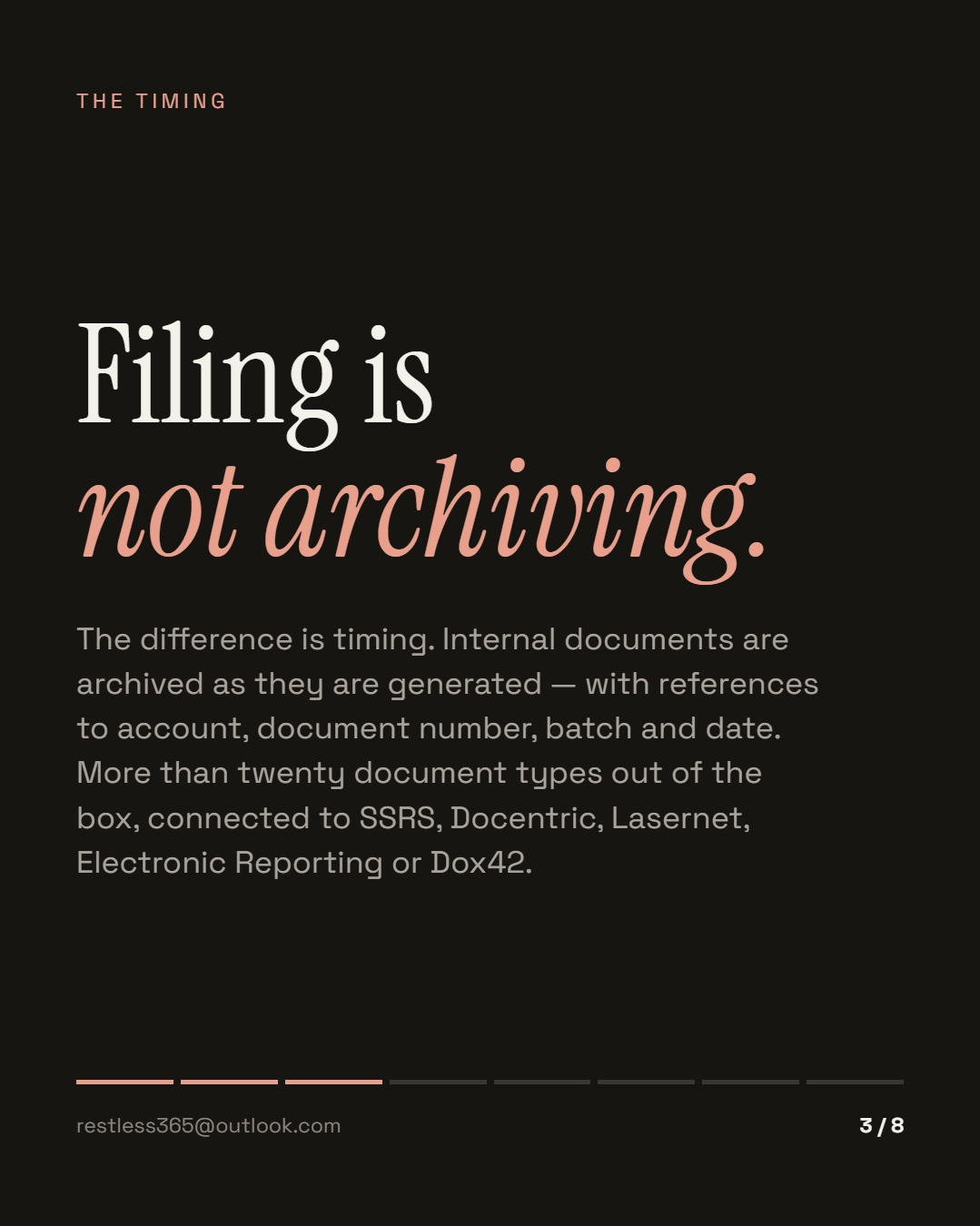
Filing is not archiving
Internal documents are archived as they are generated. No intermediate step, no export run at month end: when a sales invoice, a purchase confirmation or a packing slip is produced, the archive entry is created at the same time, with its references — account, document number, batch, document date.
More than twenty internal document types ship out of the box, and the report engine you already run is what gets connected:
The difference between filing and archiving is timing. What is indexed as it is created does not have to be searched for later.
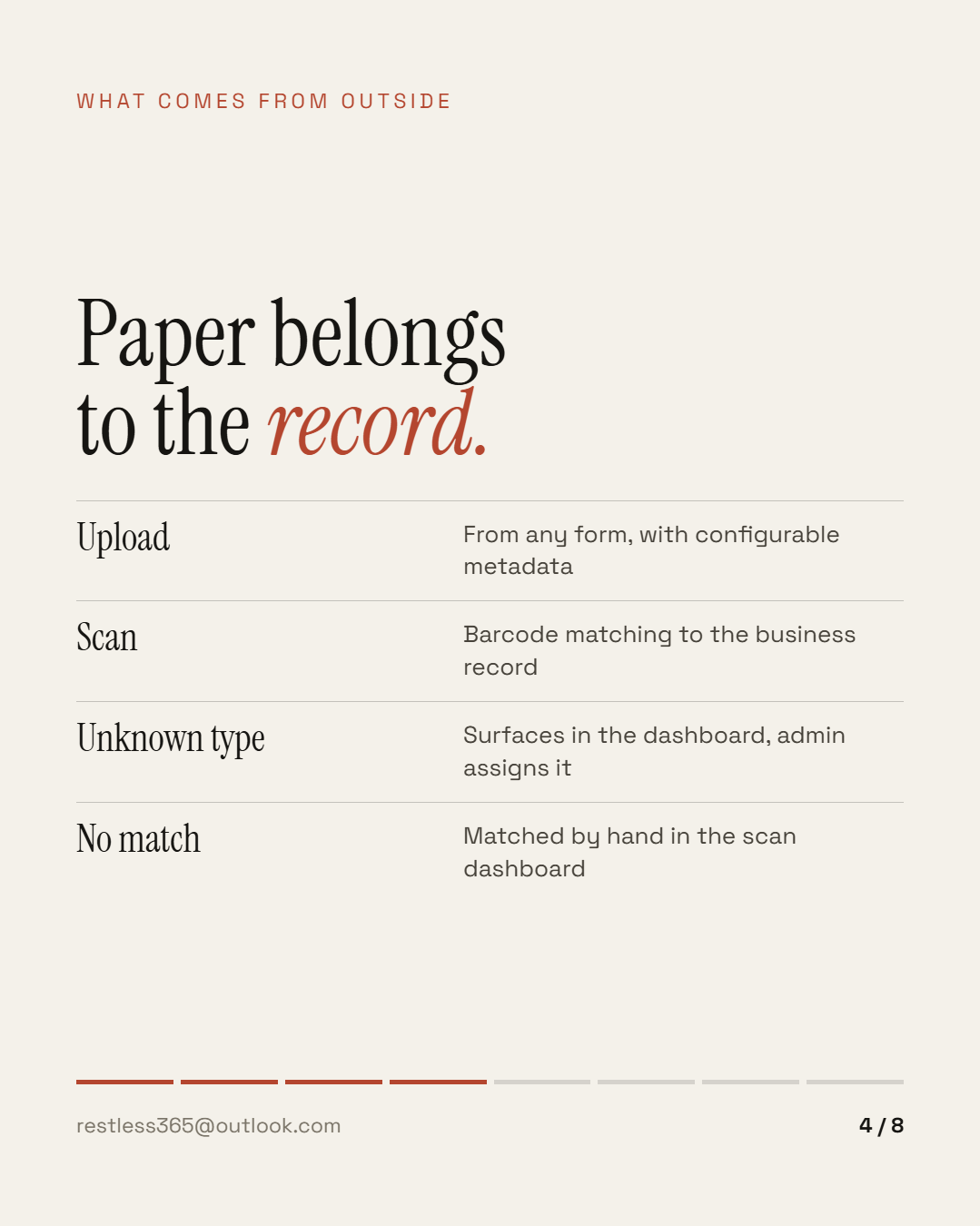
What comes from outside
Half of a company's documents do not originate in the ERP: certificates, contracts, correspondence, the packing slip the driver signed. There are two routes for those, and both start in the form somebody is already looking at.
Upload from any form, with configurable metadata — the document then hangs off the vendor, the order, the project, not in a shared folder.
Scanning with barcode matching: incoming paper is matched to the business record automatically, via a printed or external barcode. If the scan type is unknown, the document surfaces in the ECM dashboard; an administrator assigns the type and matching continues. If no barcode matches, it is matched by hand in the scan dashboard.
That is the unglamorous part where archive projects usually fail: not the technology, but the question of who gets the paper off the desk.
Found where the work happens
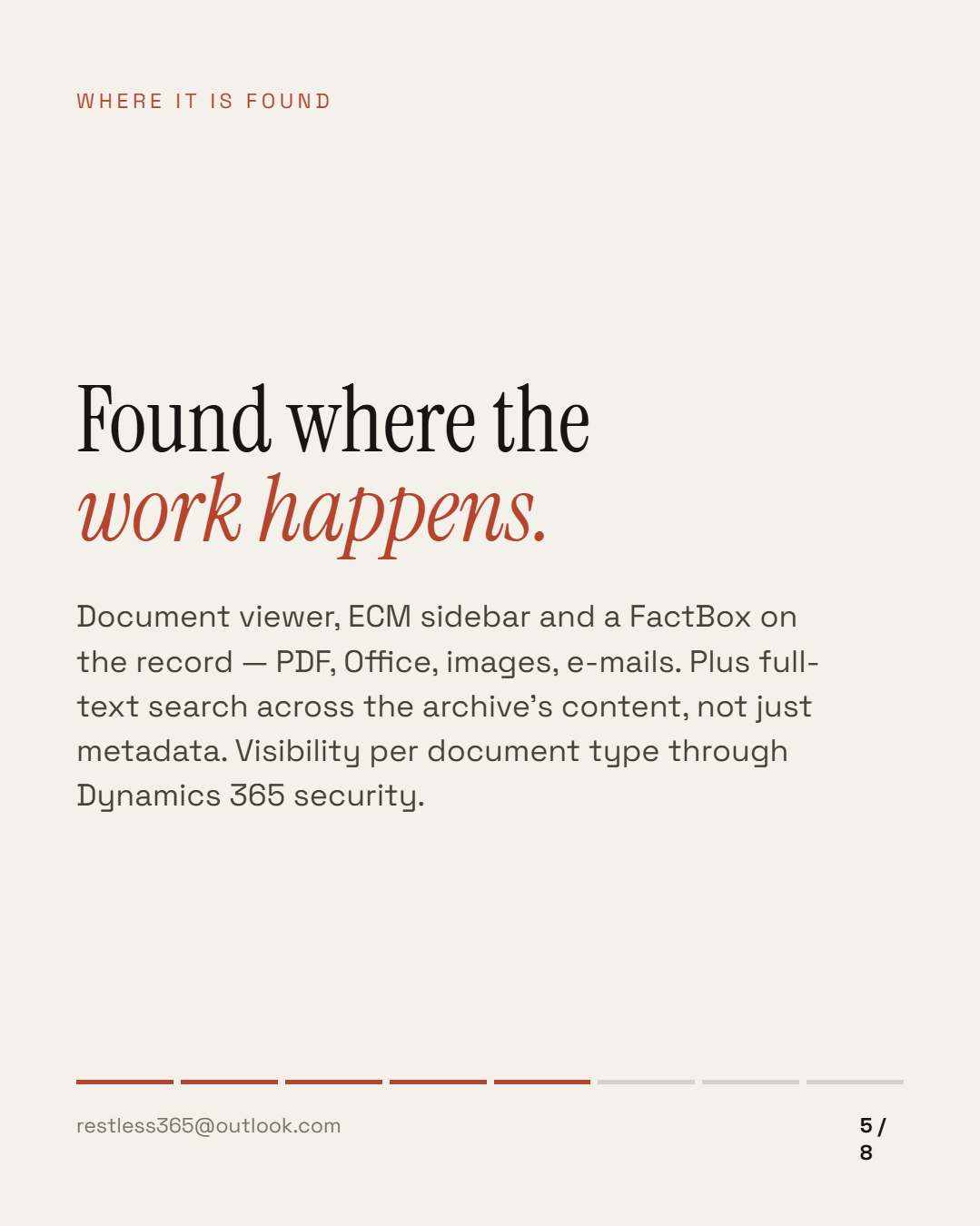
A document you have to leave the ERP for is only half archived. So documents appear in three places inside Dynamics 365: the document viewer with tree and grid, the ECM sidebar, and a FactBox on the record. Supported files include PDF, Word, Excel, PowerPoint, images and e-mail files (.msg, .eml).
On top of that there is full-text search: it queries the connected archive by content, not just metadata — document type and query are required, a date range is optional. Two limits worth knowing up front: it is available from version 3.3.5 and currently runs as a beta, and it requires an archive connection of the Content Web Service type.
Who may see what
Visibility is controlled per document type through Dynamics 365 security privileges — not through a separate permission system alongside it. Someone without access to HR records will not see them in the viewer either, and full-text search will not return them.
The same principle covers scan types: without the privilege, the type does not appear in the scan dashboard. It sounds like a detail, and it is the reason an archive integration is allowed into production at all.
Your archive stays the one you have
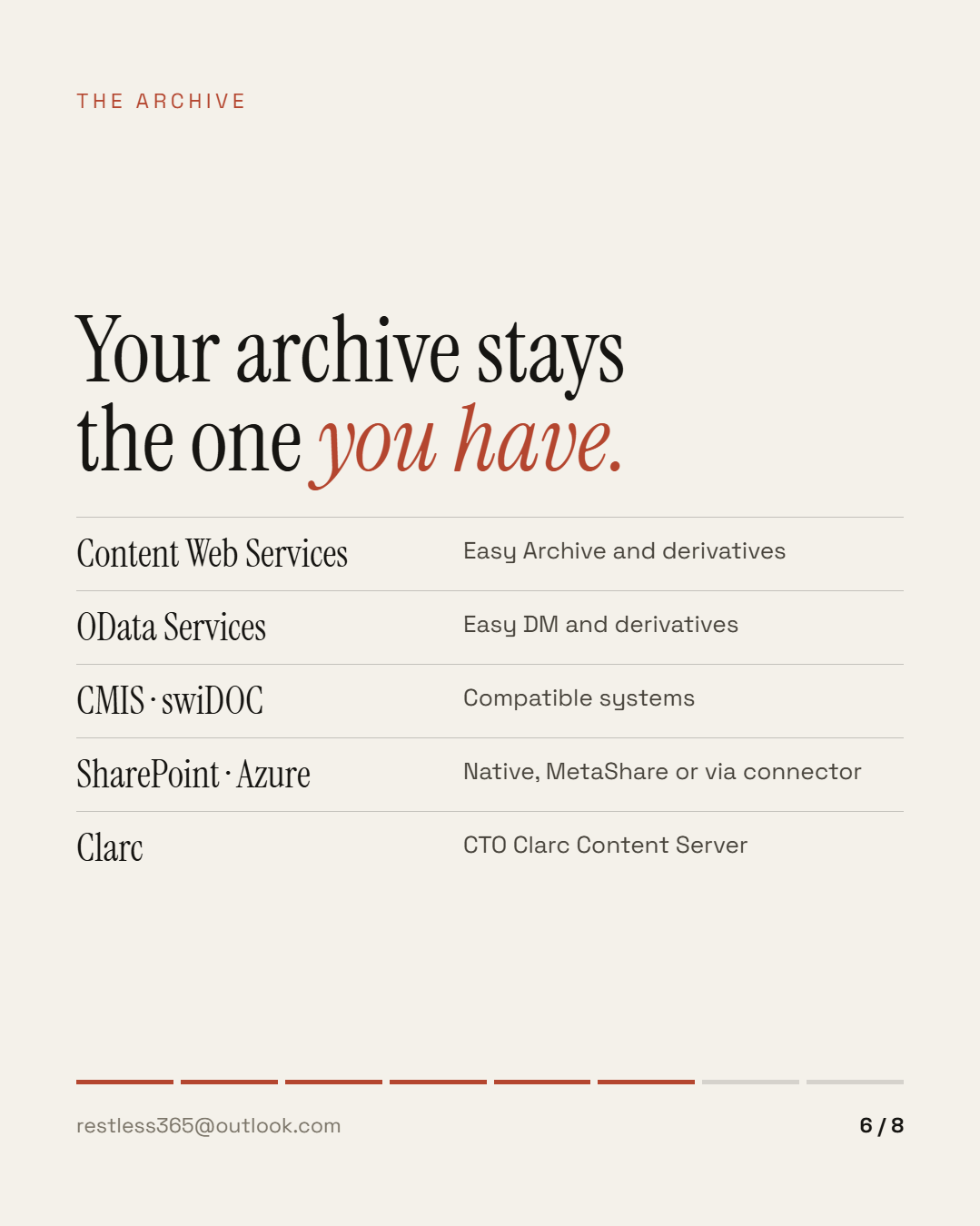
The most common objection to an ECM project is a fair one: nobody wants to change archives just because the ERP changed. So FlexxStore connects rather than replaces — Content Web Services (Easy Archive and derivatives), OData Services (Easy DM and derivatives), CMIS-compatible systems, swiDOC, SharePoint Online (natively, with MetaShare support, or through the Lasernet connector), Azure Storage through the connector, and the Clarc Content Server.
Two things that tend to be overlooked: XML invoices in CII or UBL are rendered as formatted HTML, so a human can read them instead of raw data. And the entire configuration can be exported and imported through D365 data management — which turns a test environment into a template rather than a re-typing exercise.
When something breaks
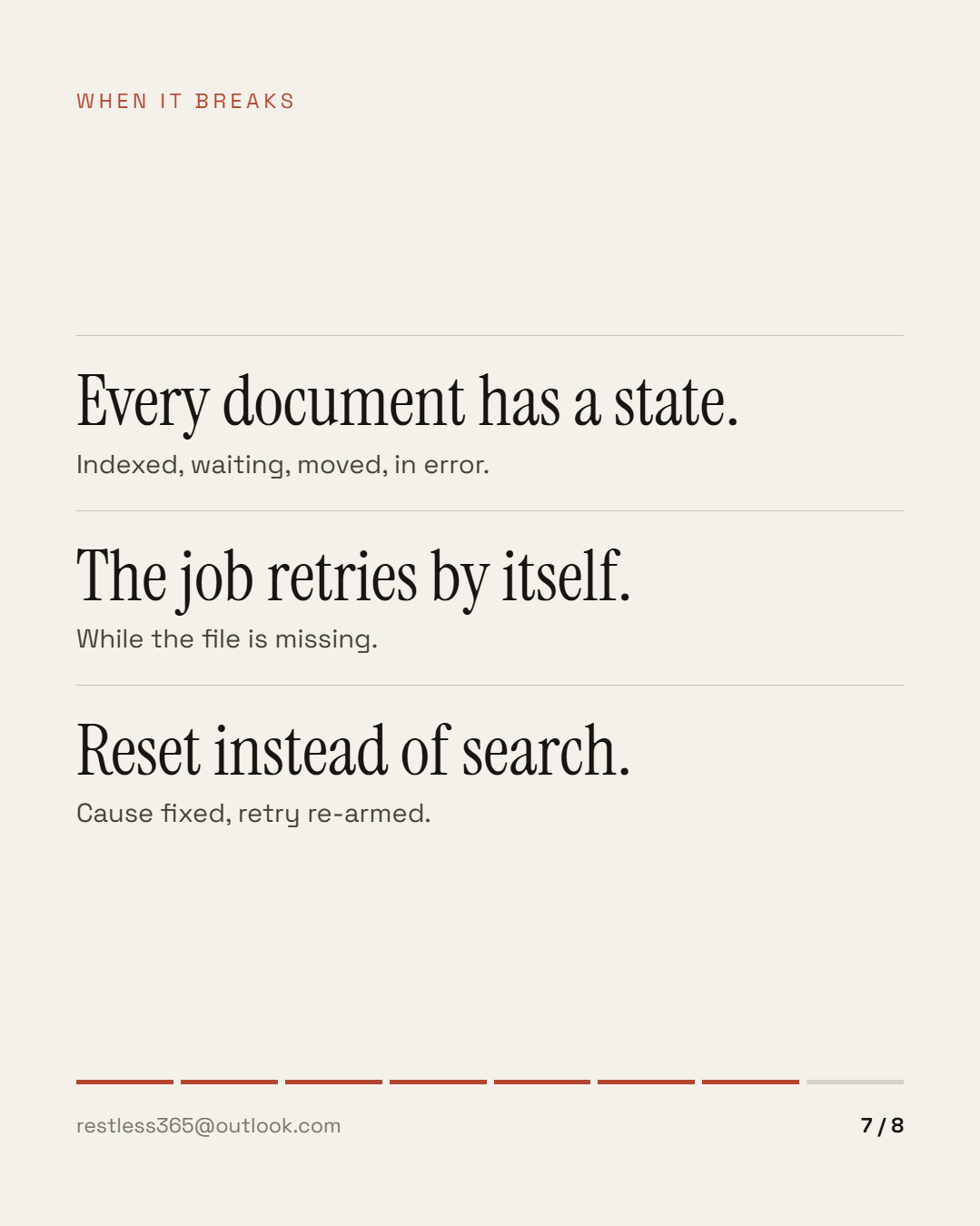
Archiving runs alongside the real work, and things that run alongside fail quietly. So every document carries a state, and all states are visible in the ECM dashboard: what is in the index, what is waiting for transfer, what has been moved, what sits in error.
The batch job retries by itself while the file is missing. For Lasernet documents, if the PDF has not arrived ten minutes after the entry was created, the document moves to "Error" — with a message about delivery, not an anonymous failure. Once the cause is fixed, "reset status" re-arms the retry.
This is the part nobody sees in a sales demo and everybody needs every month.
How to tell the connection is missing
Four questions are enough:
The fourth one is where conversations go quiet.
What it does not solve
An integration does not define retention periods and does not replace an archiving policy — it implements one. It also does not tidy up: whatever sat in folders before the rollout stays there unless somebody takes it on. And it does not decide which document types have to be archived at all; that is a question for audit, not for IT.
What it does is narrower and more important: every document created in the ERP, or needed there, is findable from there — with its reference, its permissions and its state.
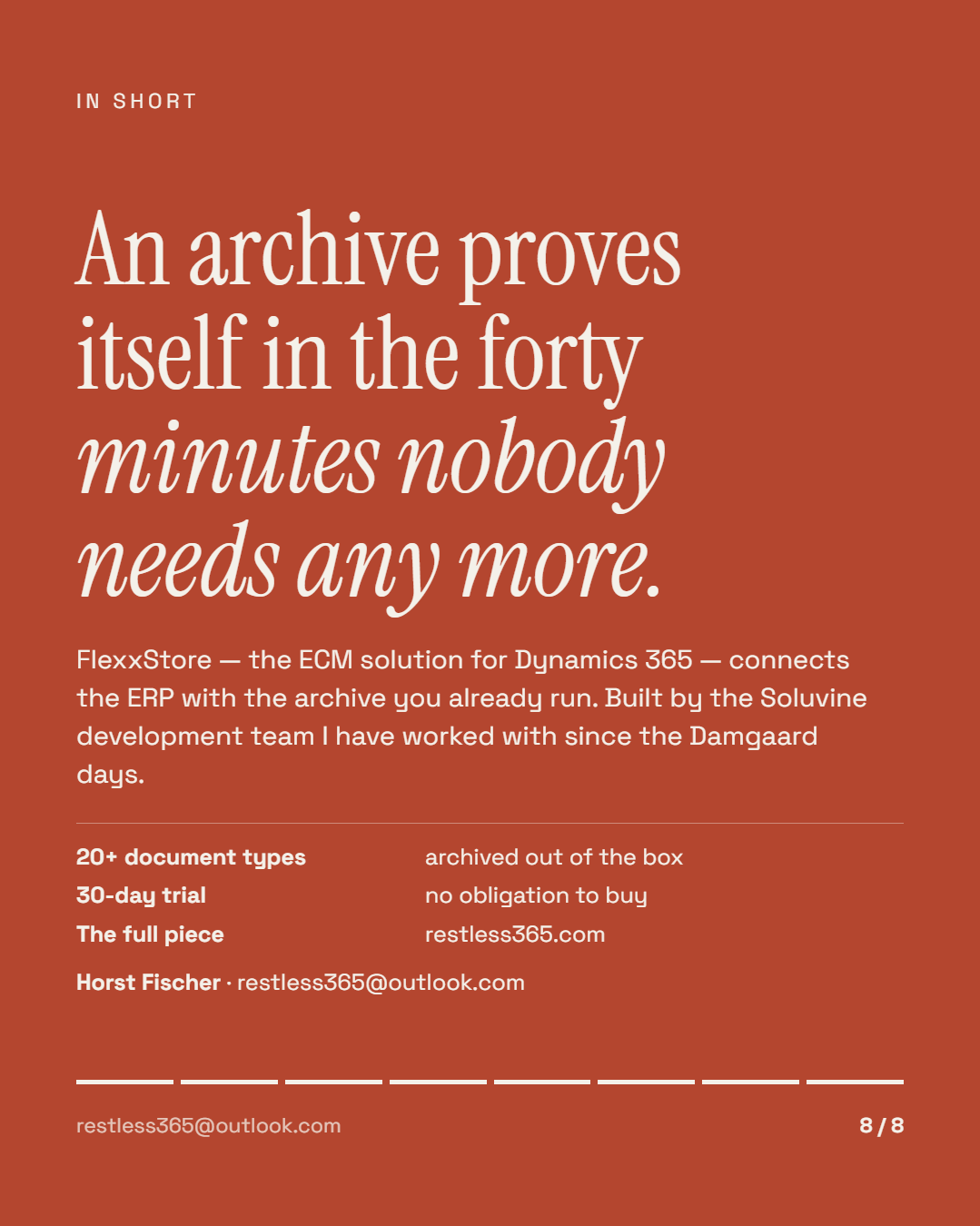
An archive does not prove itself by containing everything. It proves itself in the forty minutes nobody needs any more.
This is the overview. The individual pieces — document types, barcode matching, full-text search, permissions, the dashboard in detail — follow as their own posts. If somebody in your company spends forty minutes searching, tell me about it. The product itself, with trial access, is at soluvine.com — built by the development team I have worked with since the Damgaard days.
This post is also available in German. Auf Deutsch lesen
All posts